We're here to help.
Get answers, set-up guidance, and support for your PuzL Detect device.
Quick installation.
Unbox
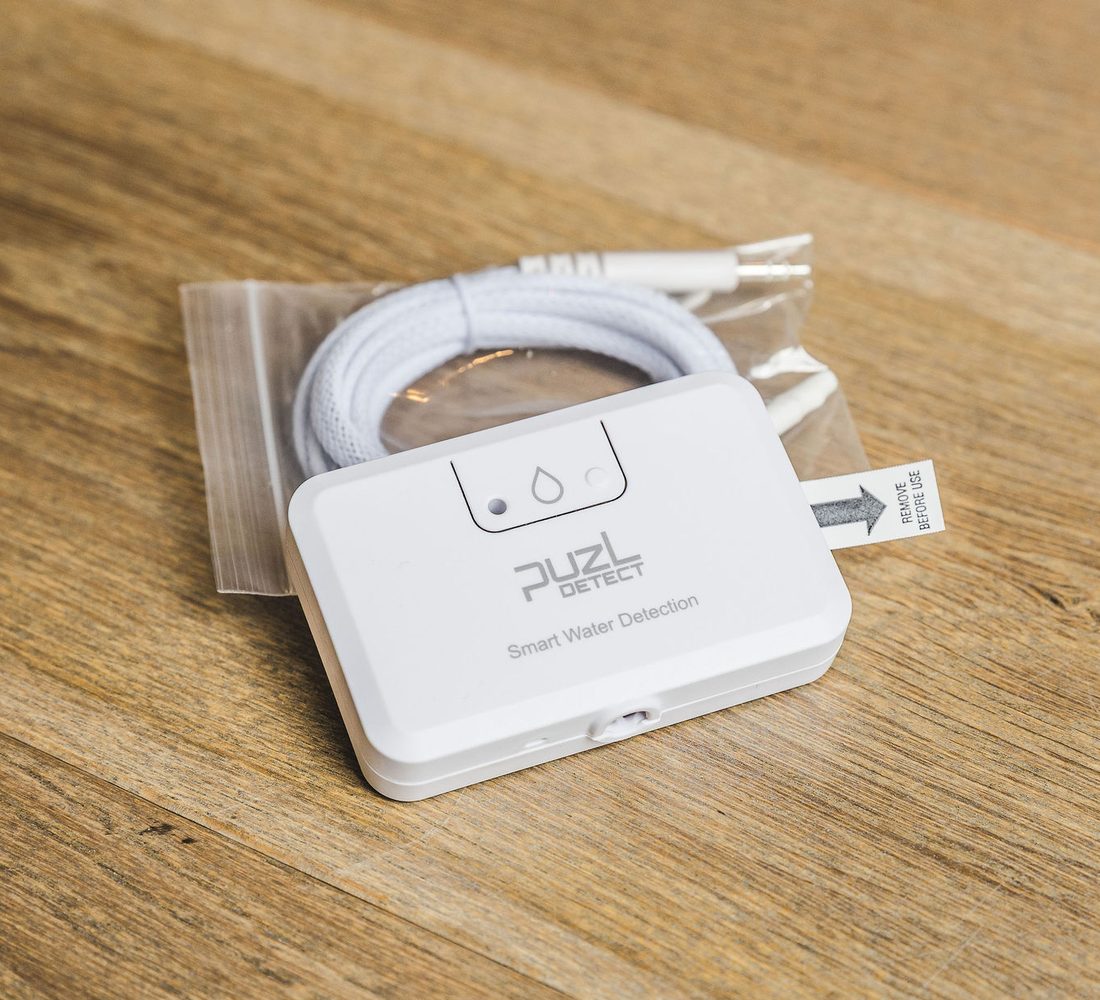
Remove the PuzL Detect product and the water leak sensor cable from the packaging.
Connect the cable
Fully insert the sensor cable connector into the round opening in the bottom of the product until it clicks.
Pull the battery tab
Find the small white tab with an arrow on the right side of the product. Pull it — the red light flashes a few times to show it is active.
Add in your Home app
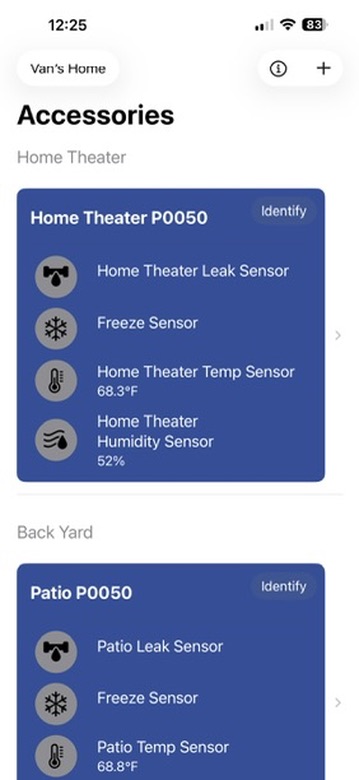
Open Apple Home, Alexa, Google Home, SmartThings, Home Assistant, or another Matter-certified app. Tap the Add (+) button and scan the Matter QR code on the back of the product. An additional Matter QR code is located inside the product front cover in case it is already mounted.
Hold the button
Press and hold the front button (to the right of the red light) for 3 seconds until the light begins to blink, then follow the prompts in your Home app. Pairing takes a minute or two and is complete when the light stops blinking.
Name your sensors
Choose names that locate the device — “Kitchen Sink,” “Water Heater.” Each unit has four functions your app may name individually: water leak, water freeze, humidity, and temperature.
Mount and route
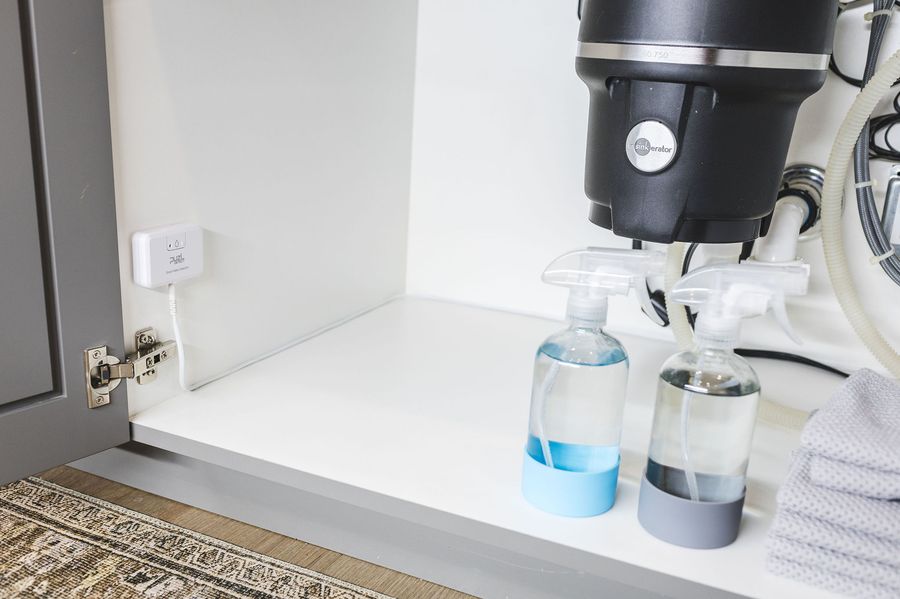
Peel the adhesive strips and mount in a discreet spot near what you're protecting — inside sink cabinets, on the side of a water heater or washer. The adhesive is strong and may remove paint. Route the cable in, under, or around your plumbing.
Finish with the PuzL app.
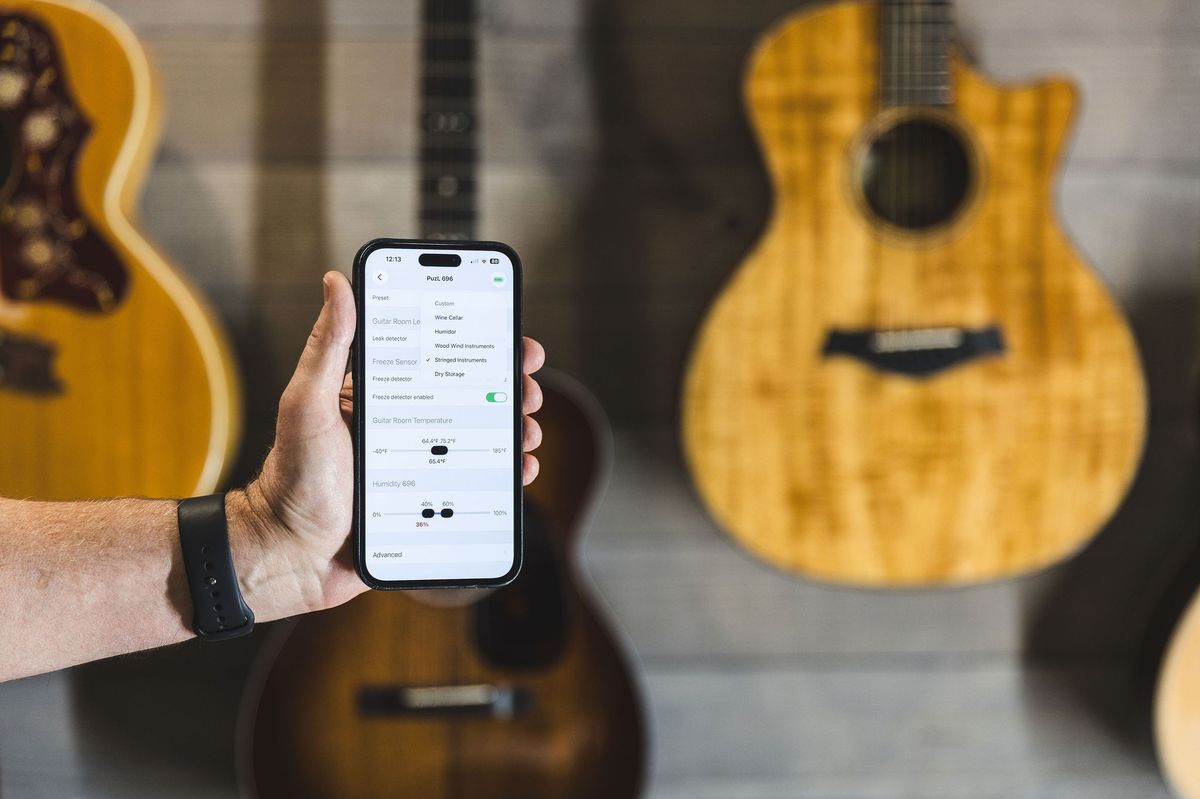
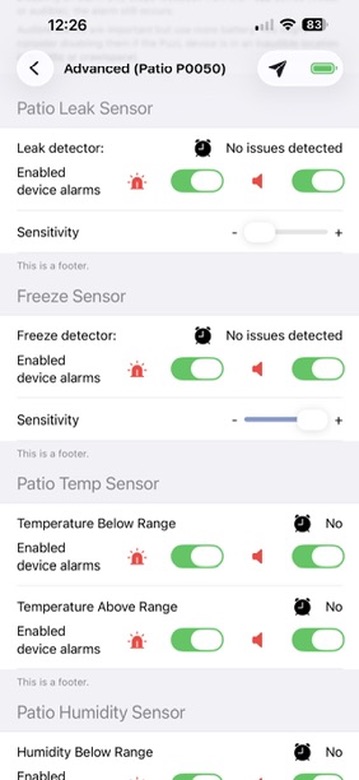
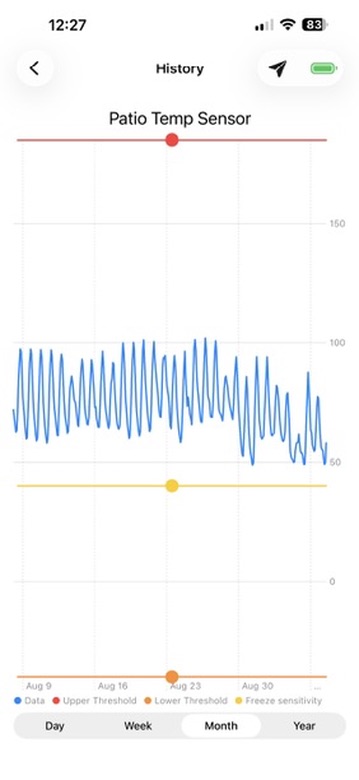
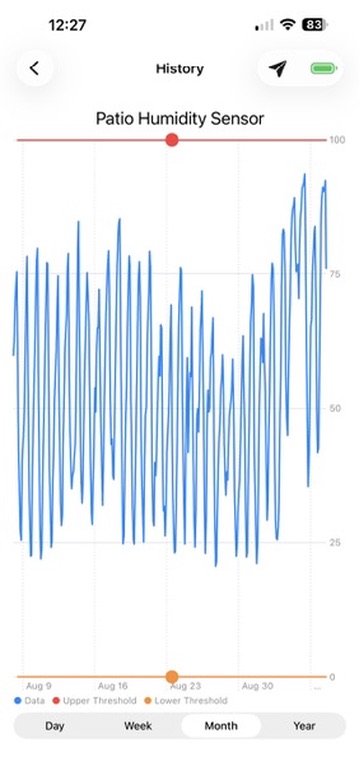
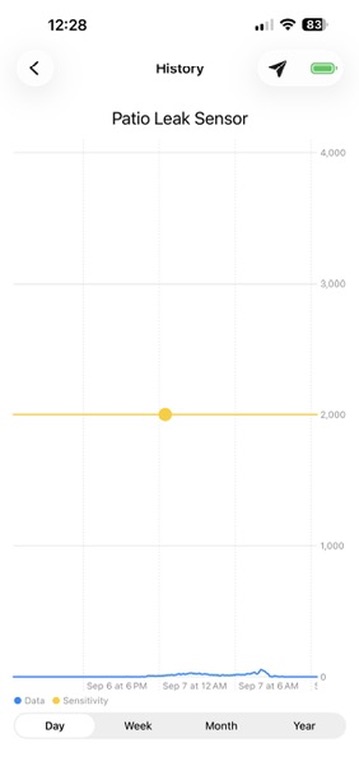
After pairing, download the PuzL app from the Apple App Store and follow its instructions to get started. The app extends your product with alert controls, sensitivity levels, alarm thresholds, and history charts — and registers your phone for PuzL Cloud notifications so alerts reach you anywhere.
Tip: the info button at the top of the PuzL app is a quick path to support, too.
Frequently asked questions.
Do I need professional installation?
PuzL products are DIY-friendly by design. Setup takes just a few minutes using the Home app on your phone — no tools or wiring. The installation guide above walks through every step.
Are PuzL devices secure?
Built on Matter and Thread with strong encryption and secure device authentication. Every unit carries an embedded digital certificate verified during setup. Read more on the Technology page.
Do I need a Thread Border Router?
A Thread Border Router bridges your Wi-Fi network to your Thread network. Many smart speakers and hubs sold in recent years include one. Check the current list of Thread Border Routers by manufacturer to see if a device you already own qualifies — or contact us and we'll help you confirm.
Can I get an insurance discount?
Most insurance companies offer discounts for approved products that reduce the risk of home damage — smart leak detectors are commonly in that category, with discounts often in the 5–20% range. We're in the early stages of working with insurers on formal approvals; check with your provider, and check back here as the approved list grows.
Do I need a subscription?
The PuzL Detect Leak product does not require a subscription.
What does the red light mean?
A few flashes after pulling the battery tab means the unit has started. Blinking during setup means it's in pairing mode. During an alert, the bright red LED shines with the 85 dB alarm so you can find the unit fast.
My cable came unplugged — will I know?
PuzL Detect includes a cable-present sensor. If the sensing cable is removed from its connector, you get a notification — so protection never silently lapses. Battery-level notifications work the same way.
Drop us a line.
Check the guides and FAQ above first — it's usually the quickest path to a fix. Still stuck? Our team is happy to help.
- Email: support@puzllabs.com
- Feedback: feedback@puzllabs.com
- In-app: tap the info button at the top of the PuzL app